Import Java Shell SAP Recording
Import from .jsh or .java file
-
After recording your SAP session using the SAP GUI Scripting tool, save the script as a
.jshor.javafile. -
Once the recording has been successfully saved, close the SAP GUI Scripting tool.
-
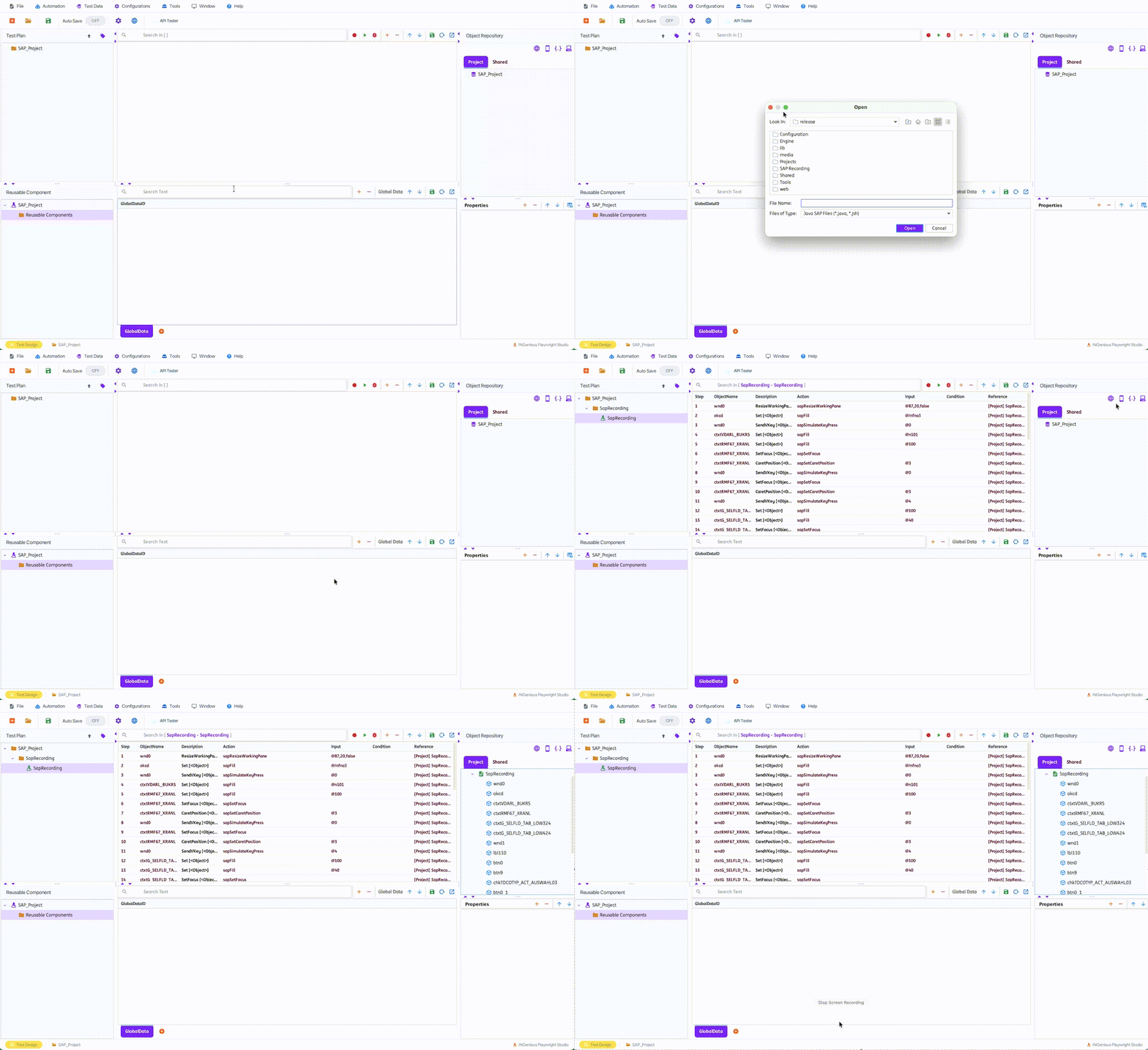
To import manually, from INGenious Playwright Studio, navigate to Tools Import SAP Recording Java.
-
Locate the SAP recording file (e.g.,
saprecording.jshorsaprecording.java) and click [OK]. -
The file is immediately rendered as a Scenario and Test Case. All relevant test steps and SAP objects are imported.
-
Imported objects are displayed in the SAP Object Repository.